Scheduled Maintenance: Our site will be unavailable from Friday at 9:00 PM CST to Saturday at 6:00 PM CST. We appreciate your patience!
 Need Help
-
Login to the Vendor Portal
Vendor LoginYou should have received an invitation email to the portal. Please check your email and spam for the invitation link. If you have already logged into the portal previously use the link above to access the login page.
-
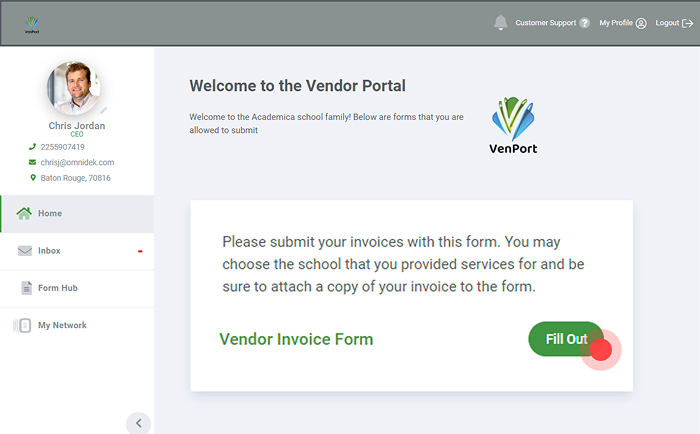
Click on the Fill out Button to Submit your Invoice
You must have an open PO in order to submit your invoice. If you don't have a PO please contact your School Representative.
-
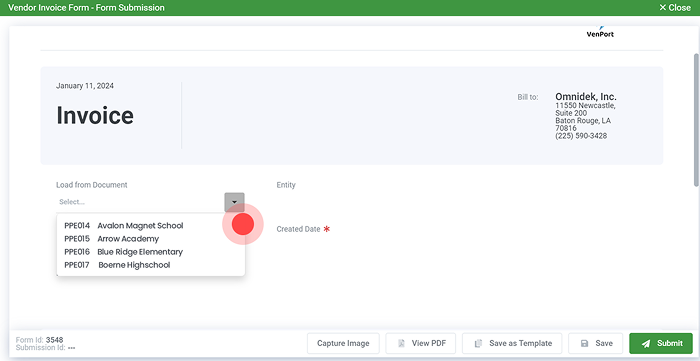
Select your Purchase Order
All open purchase orders will be available for selection. Select your PO and attach your invoice. Then adjust the line items if necessary, click Submit.